Golden Dashboard
Authors: Seyedhossein Razavinasab, Simin Yousefi
Date: 2026-09-16 | Golden Dashboard v1.0.0 — Initial Release
GitHub: https://github.com/mtrik/golden-dashboard
Golden Dashboard
Golden Dashboard is a WordPress plugin that adds a set of Elementor widgets for building a front-end user wallet dashboard. It supports both a standard cash wallet and a gold-denominated wallet, and includes an admin panel for managing transactions, withdrawals, cashback rules, and security settings.
Features
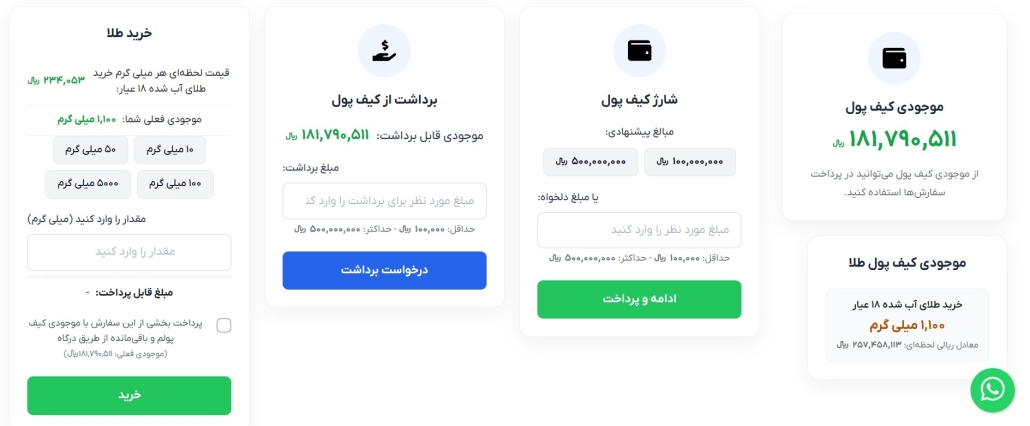
- Cash wallet: balance display, top-up, and withdrawal widgets
- Gold wallet: gold-denominated balance and transaction widgets
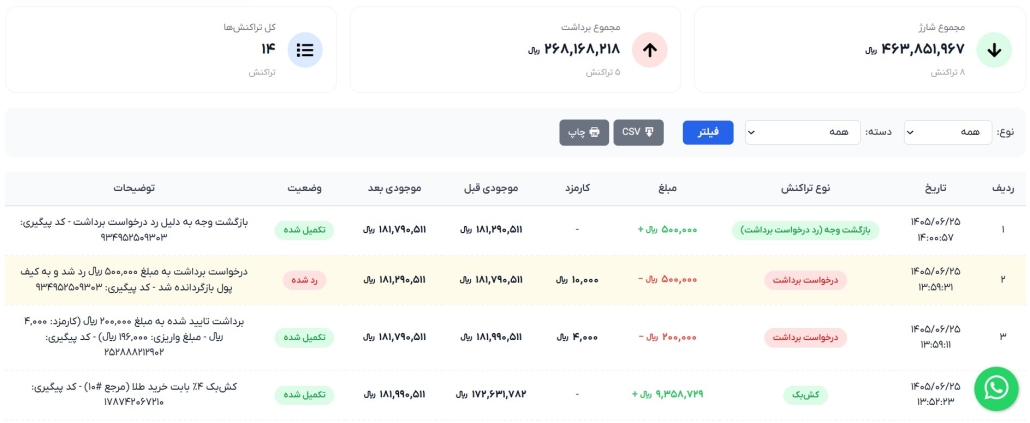
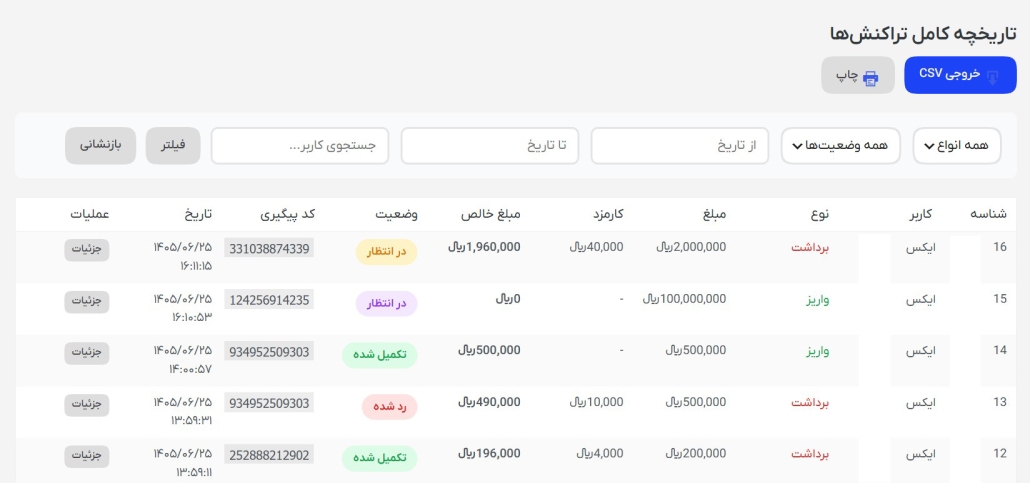
- Wallet transactions widget with filtering, CSV export, and print support
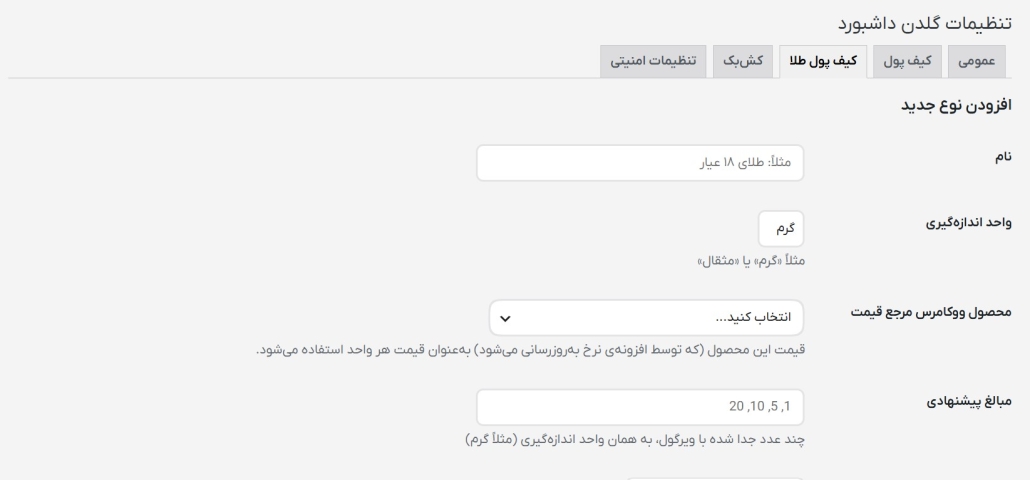
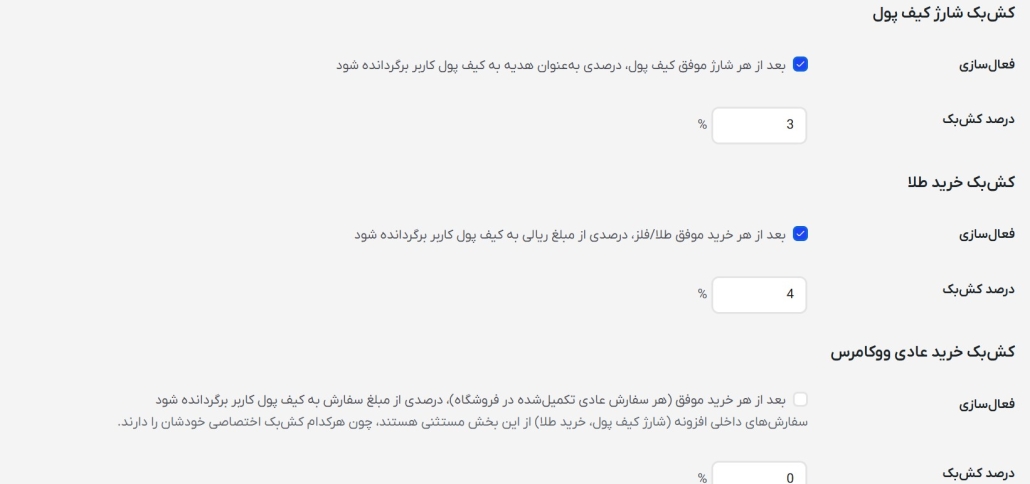
- Cashback rules engine
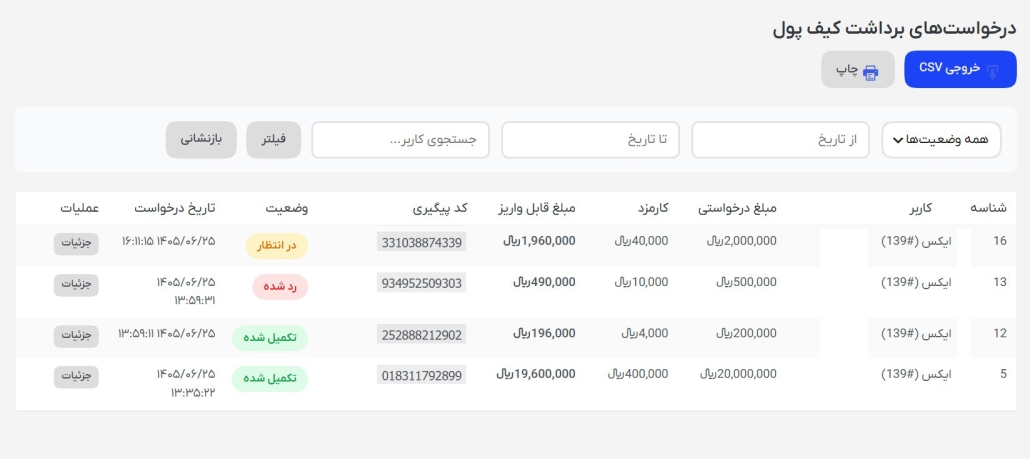
- Withdrawal request workflow (user-submitted, admin-reviewed)
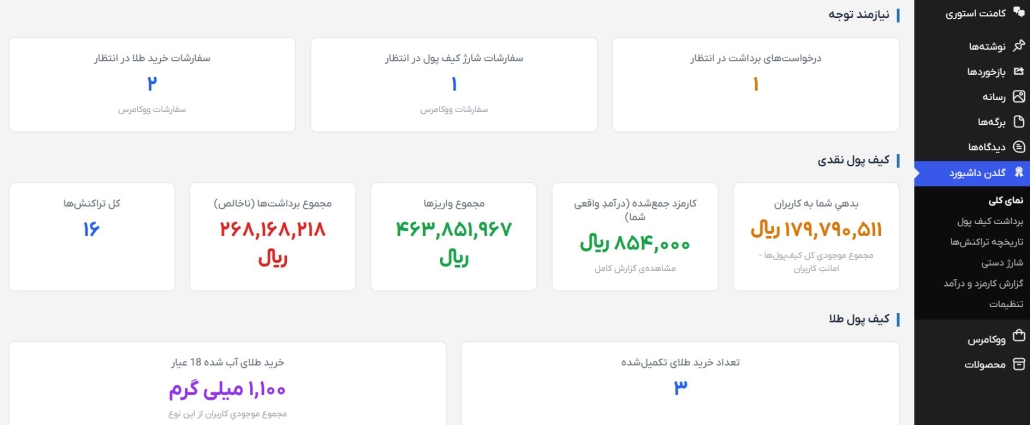
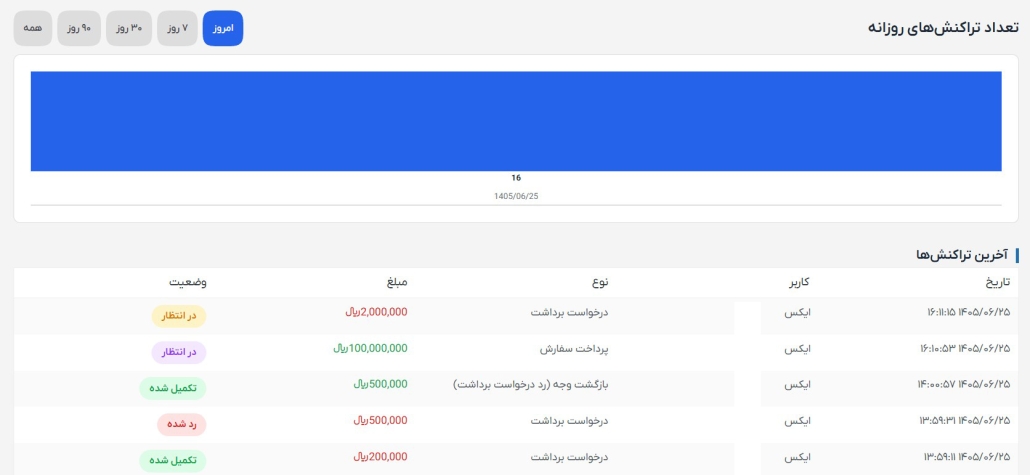
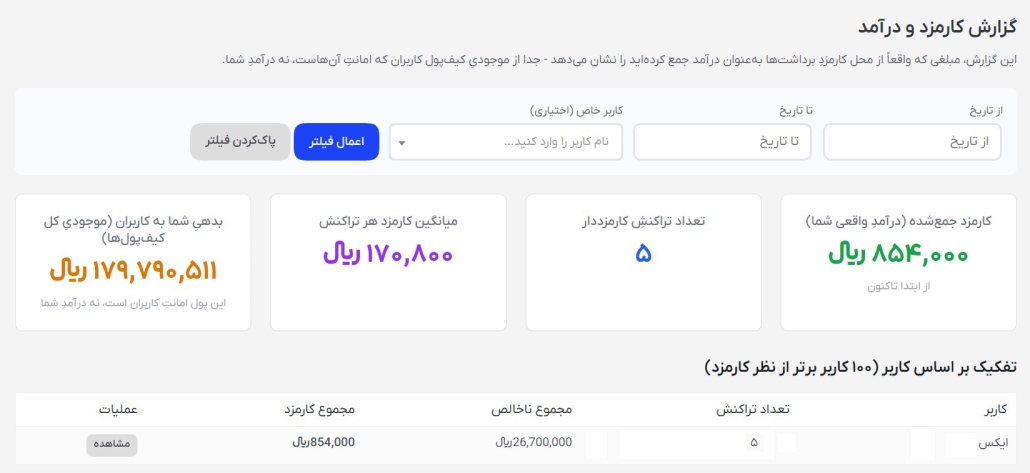
- Admin dashboard: balances overview, charts, transaction history, manual credit/debit, fee reports
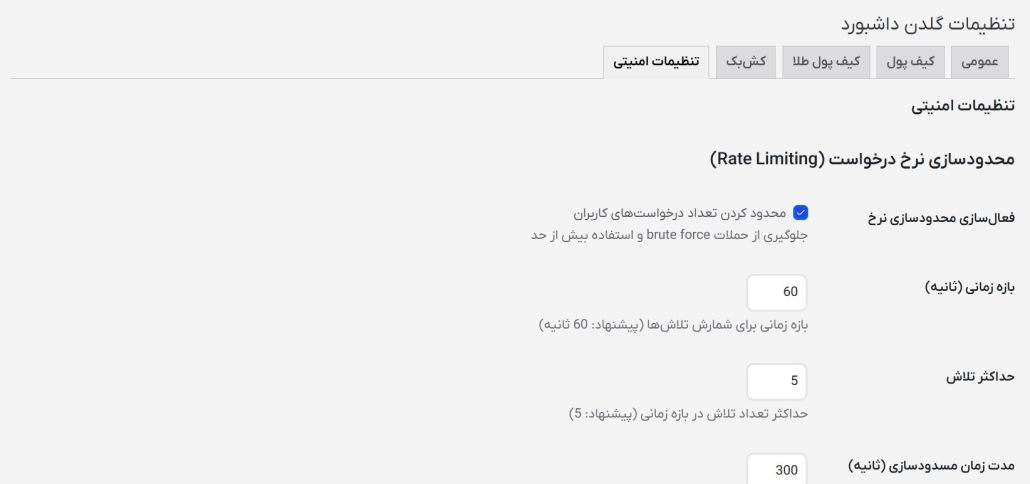
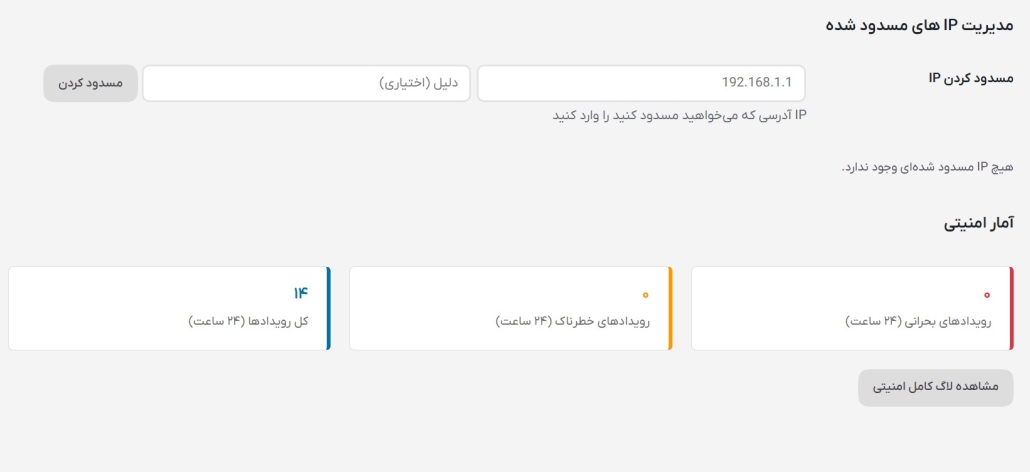
- Security log and IP-based protections
- Native Elementor widget category and controls
Requirements
- WordPress 6.5+
- PHP 7.4+
- Elementor plugin (the widgets register into Elementor’s widget system)
Installation
- Download or clone this repository into
wp-content/plugins/golden-dashboard. - Activate Golden Dashboard from the WordPress admin Plugins page.
- Make sure Elementor is installed and active.
- Configure wallet, gold-wallet, cashback, and security options under Golden Dashboard → Settings in the admin menu.
- Add the plugin’s widgets (Wallet, Wallet Transactions, Wallet Stats, Wallet Top-up, Wallet Withdraw, Gold Wallet, Gold Balance) to any page from the Elementor editor, under the “Golden Dashboard” widget category.
Project structure
golden-dashboard/
├── admin/            Admin pages (dashboard, settings, reports, transaction/withdrawal management)
├── includes/          Core classes (wallet, gold wallet, cashback, security, AJAX handlers, helpers)
├── widgets/           Elementor widget classes
├── templates/         Front-end template partials
├── assets/            CSS and JavaScript
└── golden-dashboard.php   Plugin bootstrap file
Authors

License
This project is licensed under the GNU General Public License v2.0 (or later) — see LICENSE for the full text.
Citation
If you reference this software in academic or research work, please see CITATION.cff for citation metadata.